

1
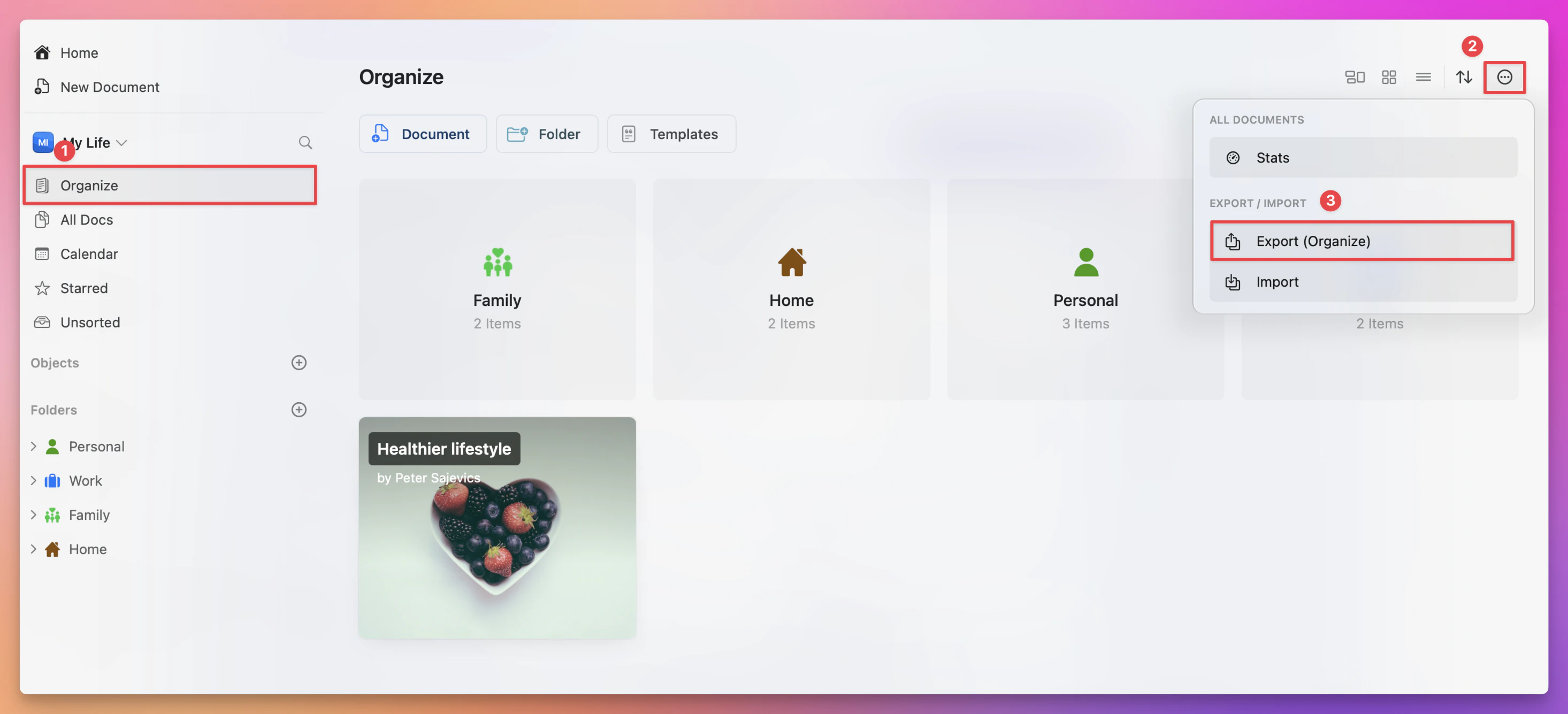
Open the “Organize” or “All Documents” view in the app.
2
Click on the three-dot menu in the top-right corner.
3
Select the Export option.
4
Choose your desired format and save the file to your device.
If you encounter any issues during export, ensure your app is up to date and try exporting smaller batches if needed.