

What Spaces Are Good For
Use a separate Space whenever you want a clean boundary between different parts of your work:- Work and personal life - keep your job and your private notes apart.
- Projects or clients - give each major project or client its own home.
- Teams - collaborate with others in a shared Space, separate from your private one.
Switching Between Spaces
While in Home view, use the space dropdown in the top left of the sidebar to switch between your Spaces.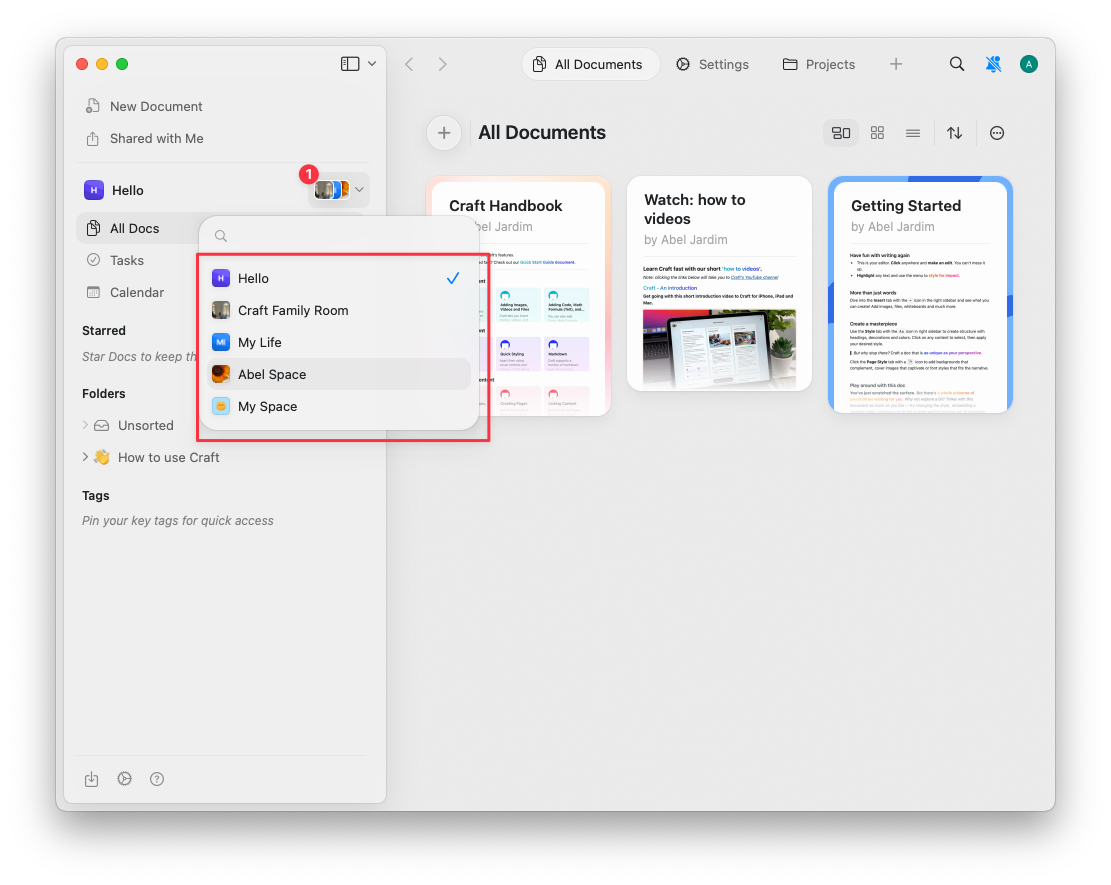
Related Articles
Working with Spaces
Create, customize, move documents, and delete Spaces.
Teams
Collaborate with others in shared team Spaces.
Multiple Accounts
Add, switch between, and move documents across Craft accounts.