You can delete any block, including images, text, tables, and other content from your documents.
How to Delete
Select the block you want to delete
Press Delete or Backspace
To delete multiple blocks at once:
-
Hold Shift and click to select a range
-
Or drag your cursor across multiple blocks
-
Then press Delete
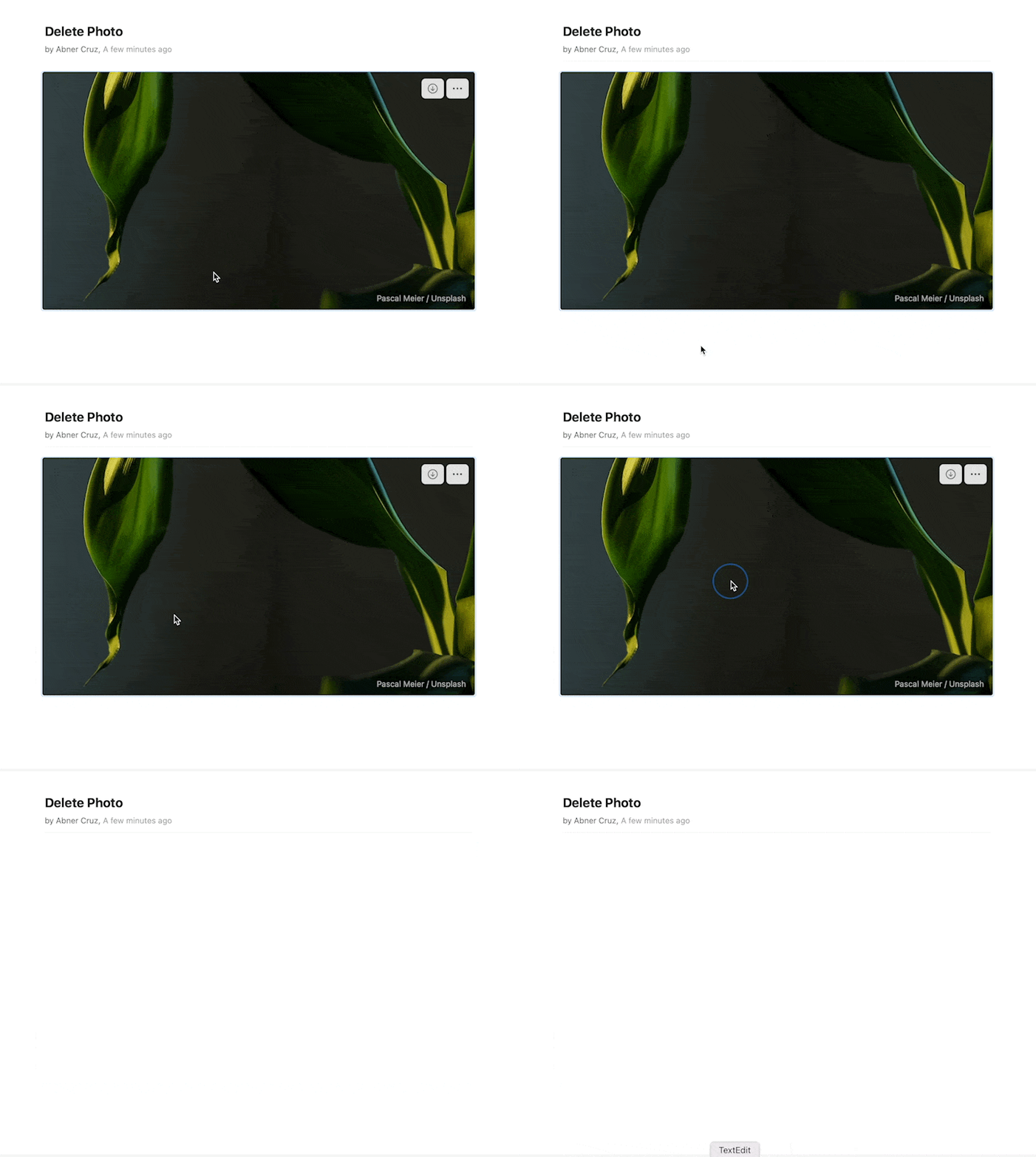
Select the block you want to delete
Press Delete or Backspace
To delete multiple blocks at once:
- Hold Shift and click to select a range
- Or drag your cursor across multiple blocks
- Then press Delete

Select the block you want to delete
Press Delete or Backspace
To delete multiple blocks at once:
- Hold Shift and click to select a range
- Or drag your cursor across multiple blocks
- Then press Delete
Long press the block you want to delete
To delete multiple blocks at once:
-
Long press one block to select it
-
Tap additional blocks to add them to selection
-
Tap Delete
Deleting blocks works the same way for all content types – text, images, media, tables, and more.