

Text, Block, and Page Formatting
This section covers text formatting: inline styles and special elements applied to the text itself. It sits alongside two other levels of styling in Craft:- Text formatting (this section) – Inline styles like bold, italic, and highlights, plus special elements like dates, emoji, and links
- Block formatting – Structural elements like headings, lists, quotes, and code blocks (see Blocks and Pages)
- Page styling – Visual design including colors, backgrounds, and fonts (see Styling)
Four Ways to Format Text
- Formatting Toolbar
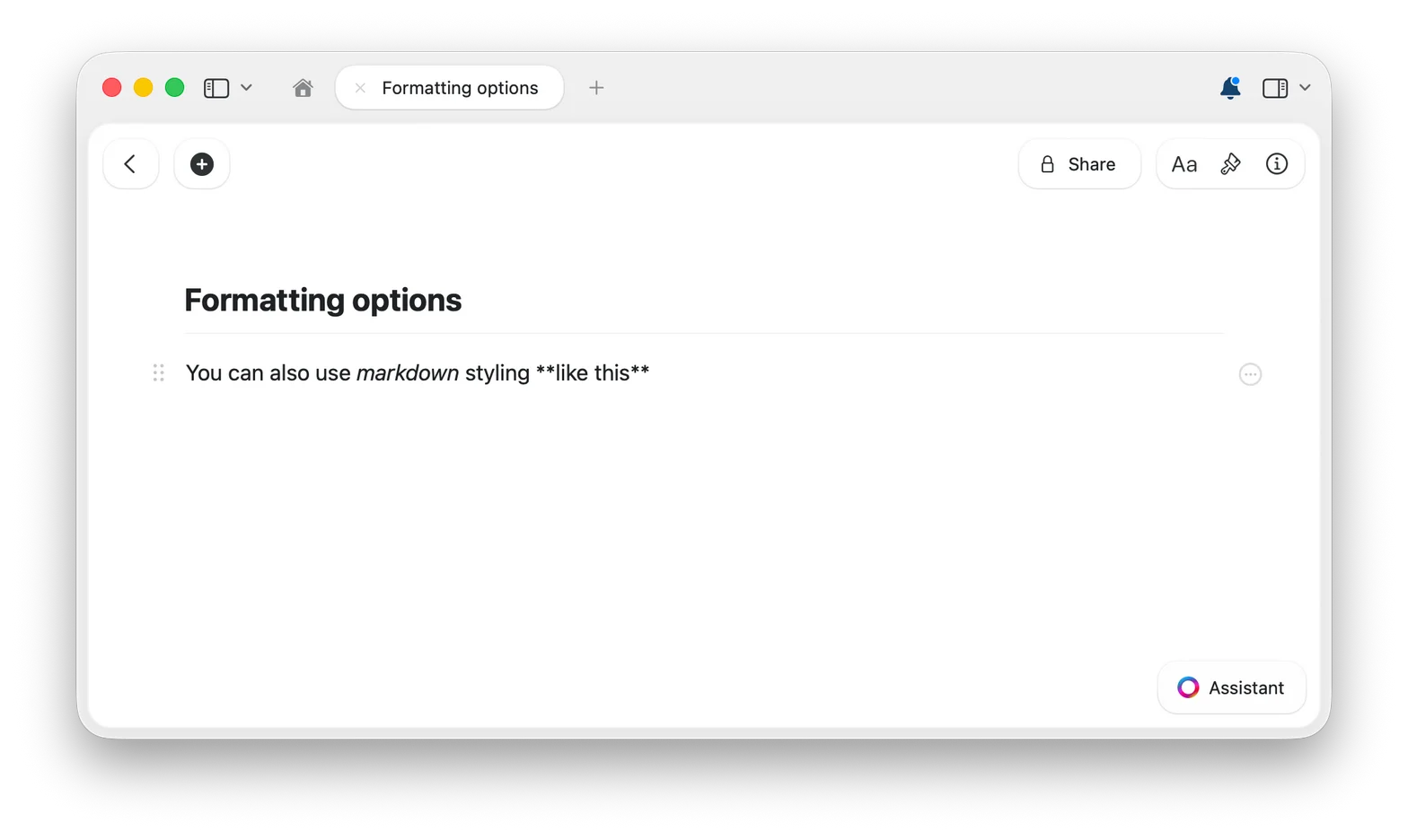
- Markdown
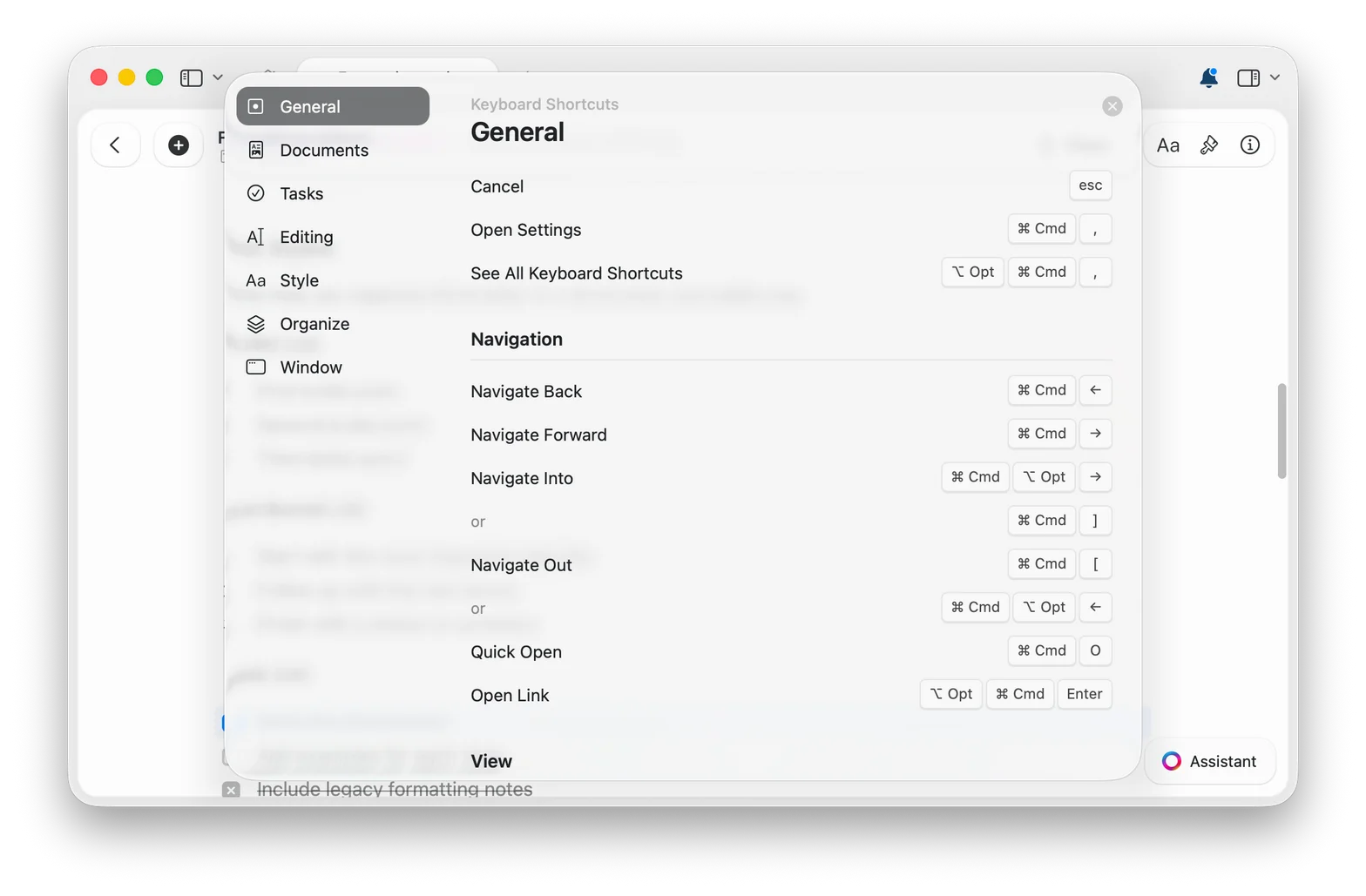
- Keyboard Shortcuts
Select any text and the formatting toolbar appears with options for bold, italic, highlights, links, and more. The most visual way to format – nothing to memorize.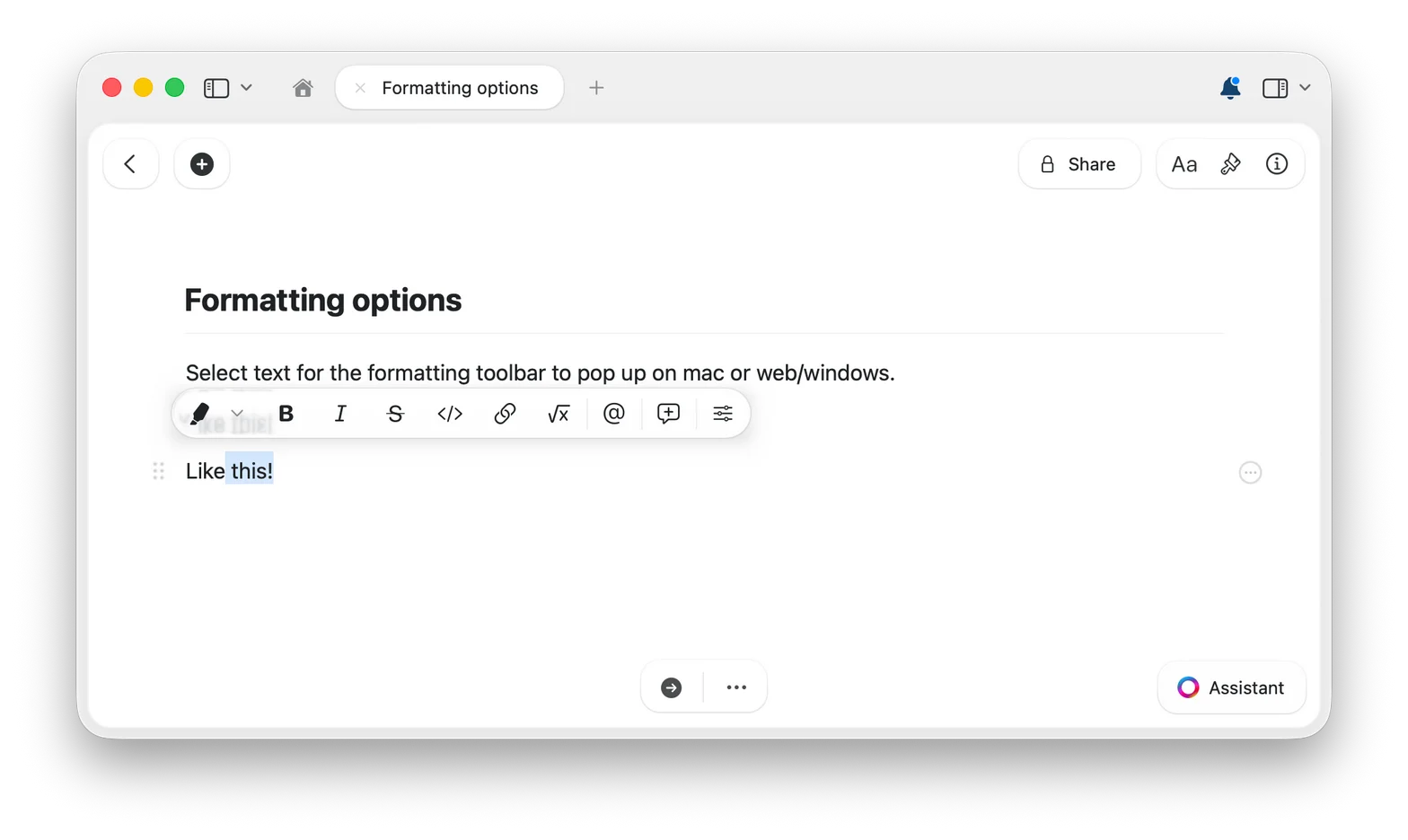
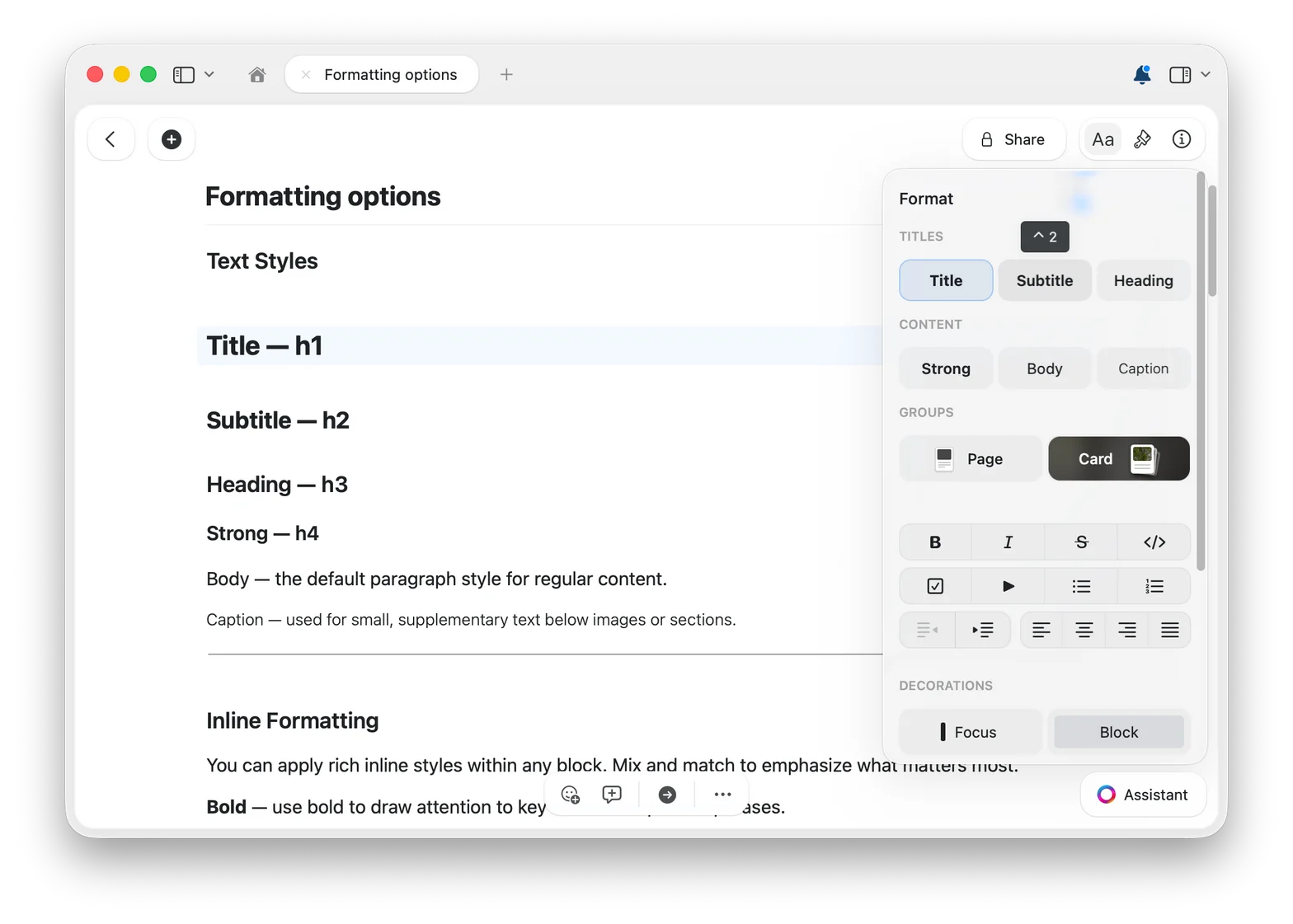
Aa button in the top-right corner.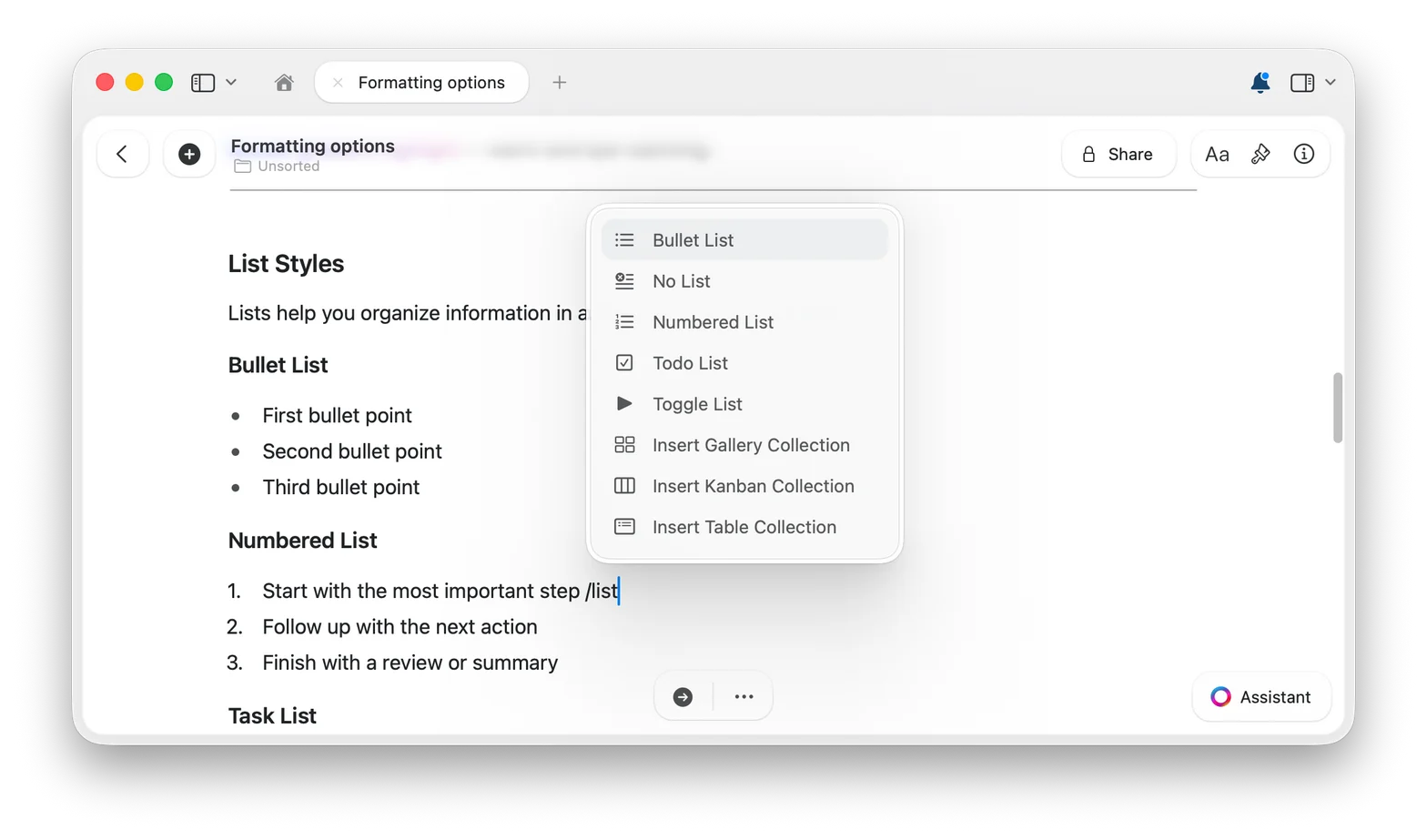
Highlight in Any Color
Highlights and text colors go far beyond the preset palette. Pick any hue you can imagine and make important text truly stand out.1
Open the highlight menu
Select your text and click the highlight button in the formatting toolbar.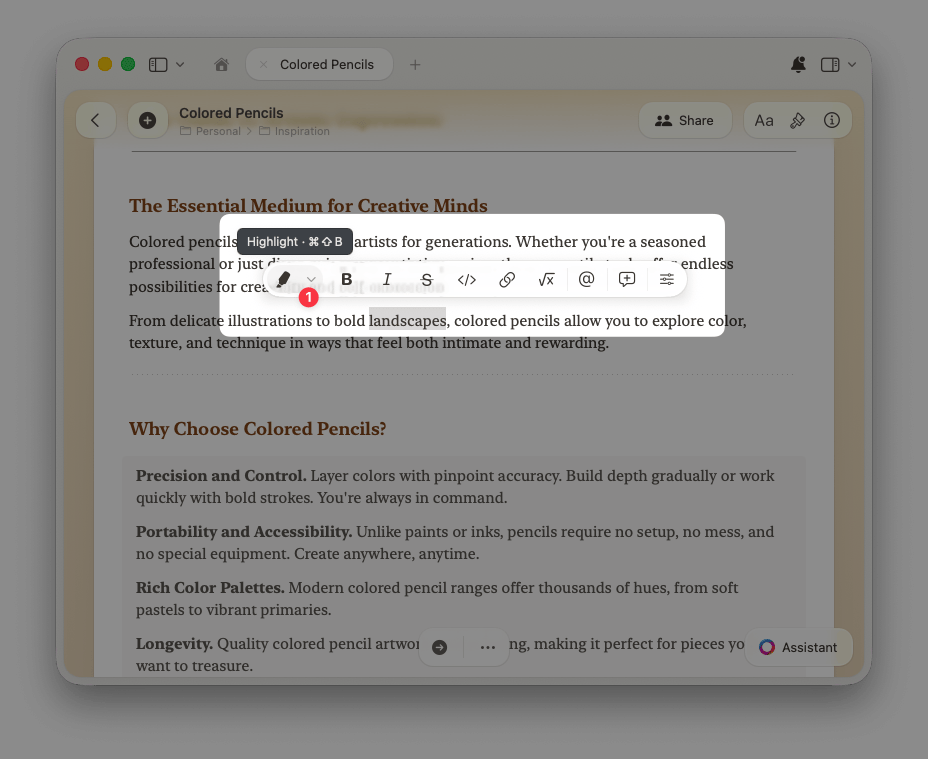
2
Choose the custom color option
Pick one of the preset colors, or select the custom color option at the end of the palette.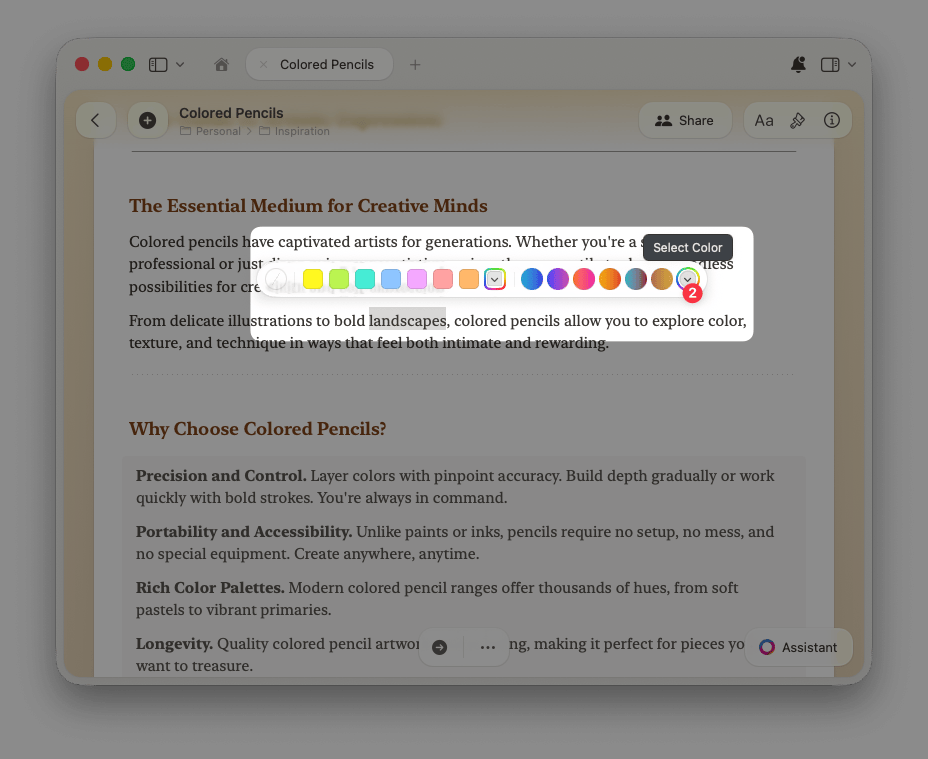
3
Pick your perfect shade
Browse a grid of shades, pick from a spectrum, fine-tune with sliders, or enter an exact RGB or HSB value. The same works for text colors, too.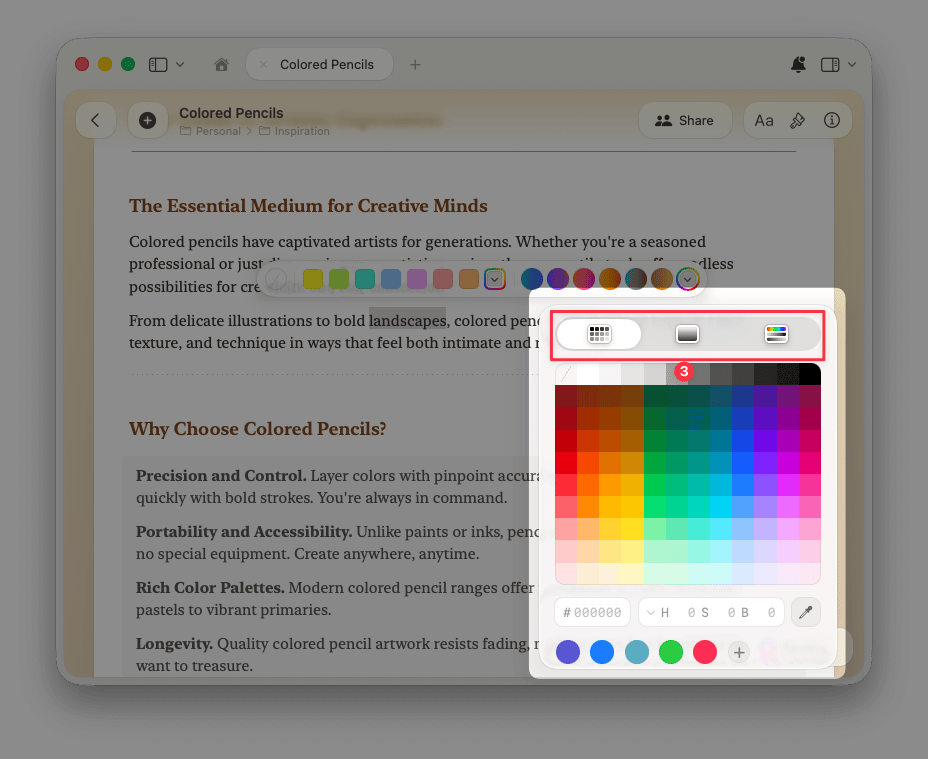
All Formatting Features
Spell Check and Corrections
Configure spell checking in 34 languages, globally or per document
Markdown Shortcuts
Format text as you write with markdown syntax
Using the Slash Menu
Access every feature without leaving your keyboard
Find and Replace
Search and replace text across your documents
Surround Selection
Wrap selected text in brackets, parentheses, or braces
Adding Dates
Insert date badges that link to daily notes
Using Emoji
Insert emoji by typing
: followed by the emoji nameSubscript and Superscript
Format mathematical notation, formulas, and footnotes
Math Formulas
Write equations using LaTeX notation – inline or as standalone blocks