You can turn email addresses and phone numbers into interactive links that open your mail app or start a call when clicked or tapped.
Email Links
Select the email address text
Click the link icon in the toolbar or press Cmd+K
Enter mailto: followed by the email address
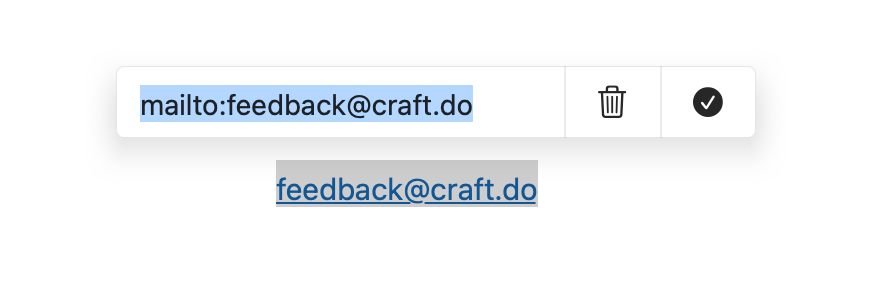
Select the email address text
Click the link icon in the toolbar or press Ctrl+K
Enter mailto: followed by the email address
Select the email address text
Click the link icon in the toolbar or press Ctrl+K
Enter mailto: followed by the email address
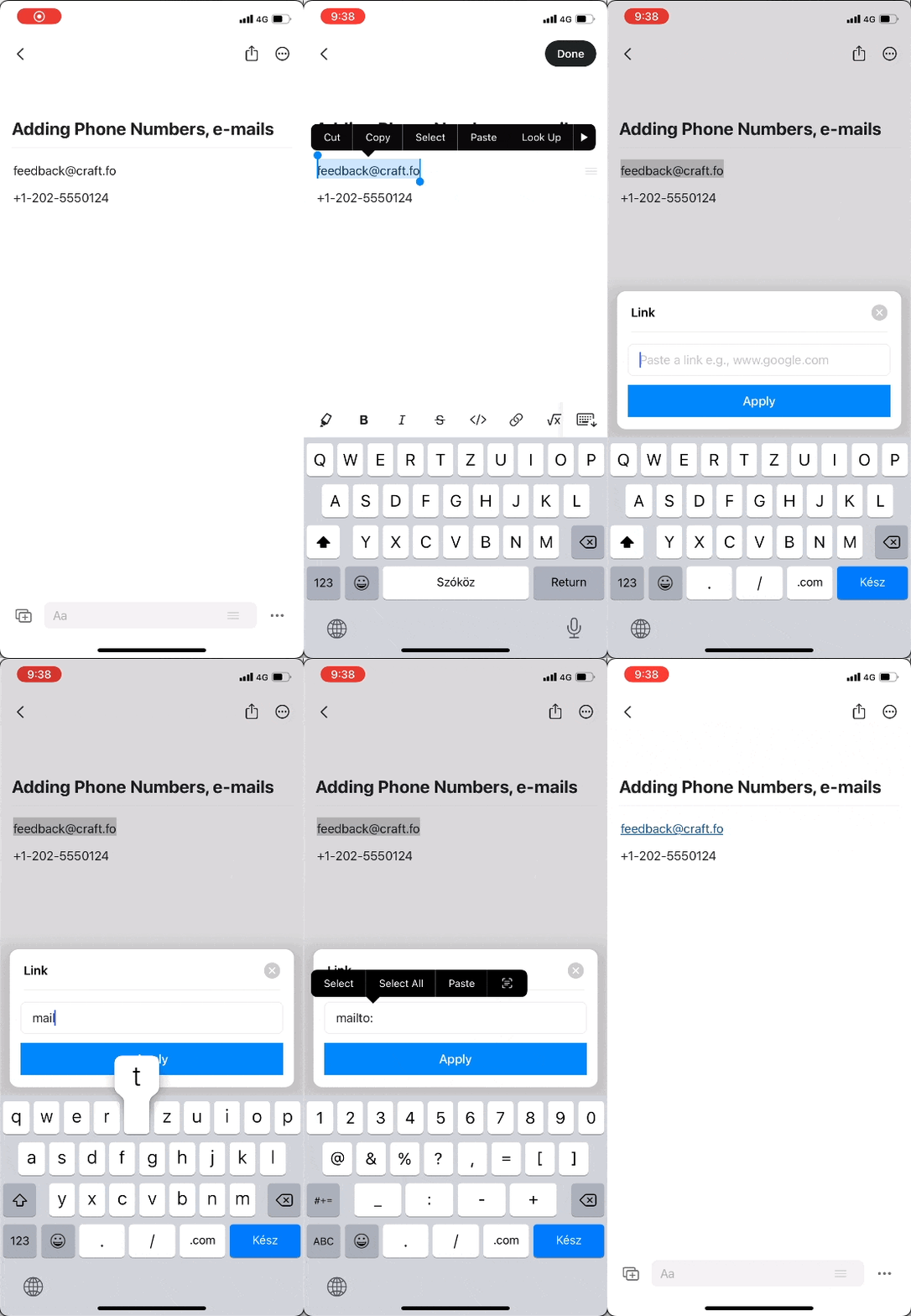
Select the email address text
Tap the link icon in the toolbar
Enter mailto: followed by the email address
Phone Number Links
Select the phone number text
Click the link icon in the toolbar or press Cmd+K
Enter tel: followed by the phone number
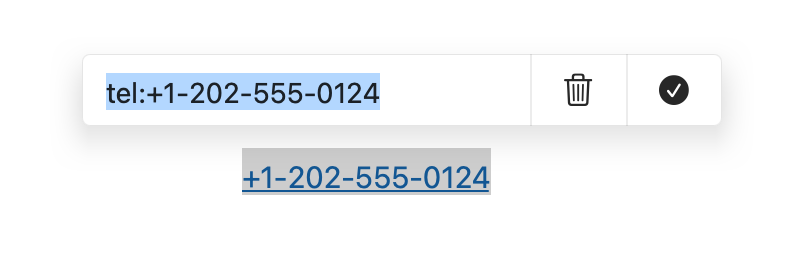
Select the phone number text
Click the link icon in the toolbar or press Ctrl+K
Enter tel: followed by the phone number
Select the phone number text
Click the link icon in the toolbar or press Ctrl+K
Enter tel: followed by the phone number
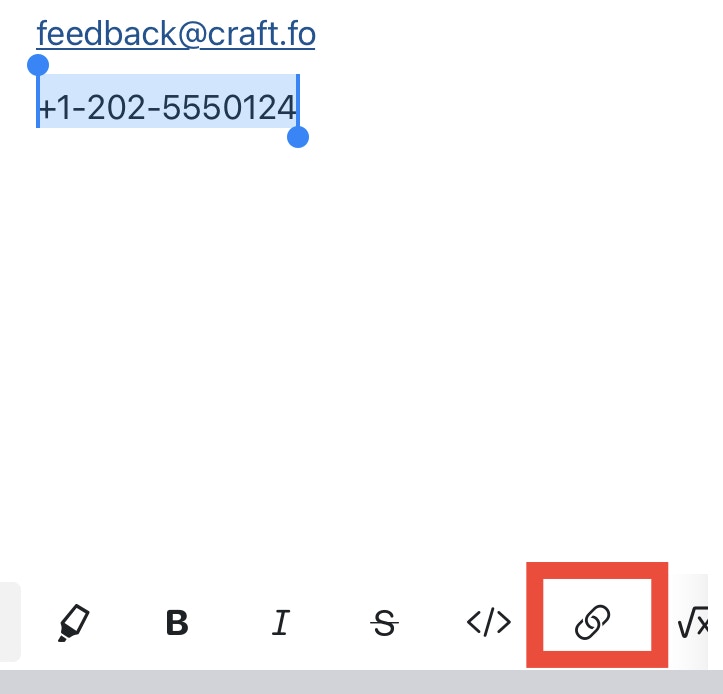
Select the phone number text
Tap the link icon in the toolbar
Enter tel: followed by the phone number
These special link types make it easy to include contact information in your documents that readers can interact with directly.

